My Coding Assistant Lives in a Box Now | EchoKit
It was 2 AM. I was deep in a coding session, fingers flying across the keyboard, completely in the zone. Then I hit a bug. I needed to run the tests.
Which meant breaking my flow. Switching windows. Typing the command. Waiting. Switching back.
I thought: What if I could just say it?
Not into my phone. Not unlocking an app. Just speak—to a device sitting on my desk.
A Small Device, Big Idea
That moment sparked an experiment. What if my AI coding assistant wasn't trapped in a terminal window, but lived in a small device on my desk? What if I could speak to it like a pair programmer sitting next to me?
Not voice typing—I hate that. But voice commands. Like having a junior developer who actually does things, not just suggests them.
So I built it.
Today, I'm excited to share how EchoKit became a voice remote control for Claude Code. And why this changes everything about how I work.
It Started with a Problem
Claude Code is amazing. It writes code, fixes bugs, runs tests, explains errors.
Yes, Claude Code now has an official Remote Control feature for mobile and web access. But it's designed for phones and browsers—not for hands-free voice control or physical devices. You still need to look at a screen and tap buttons.
I wanted something different. Something that felt like... magic.
The Missing Piece
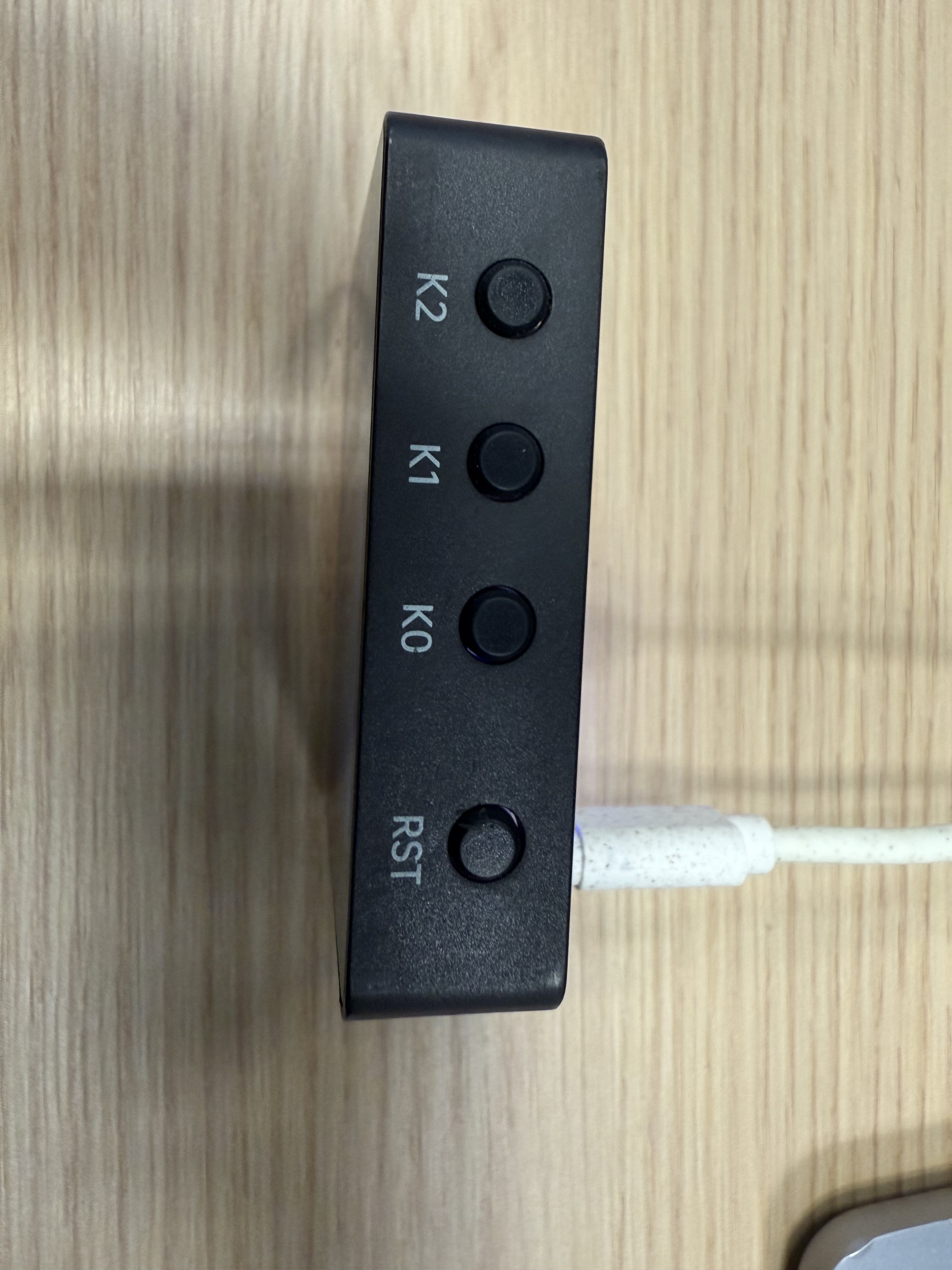
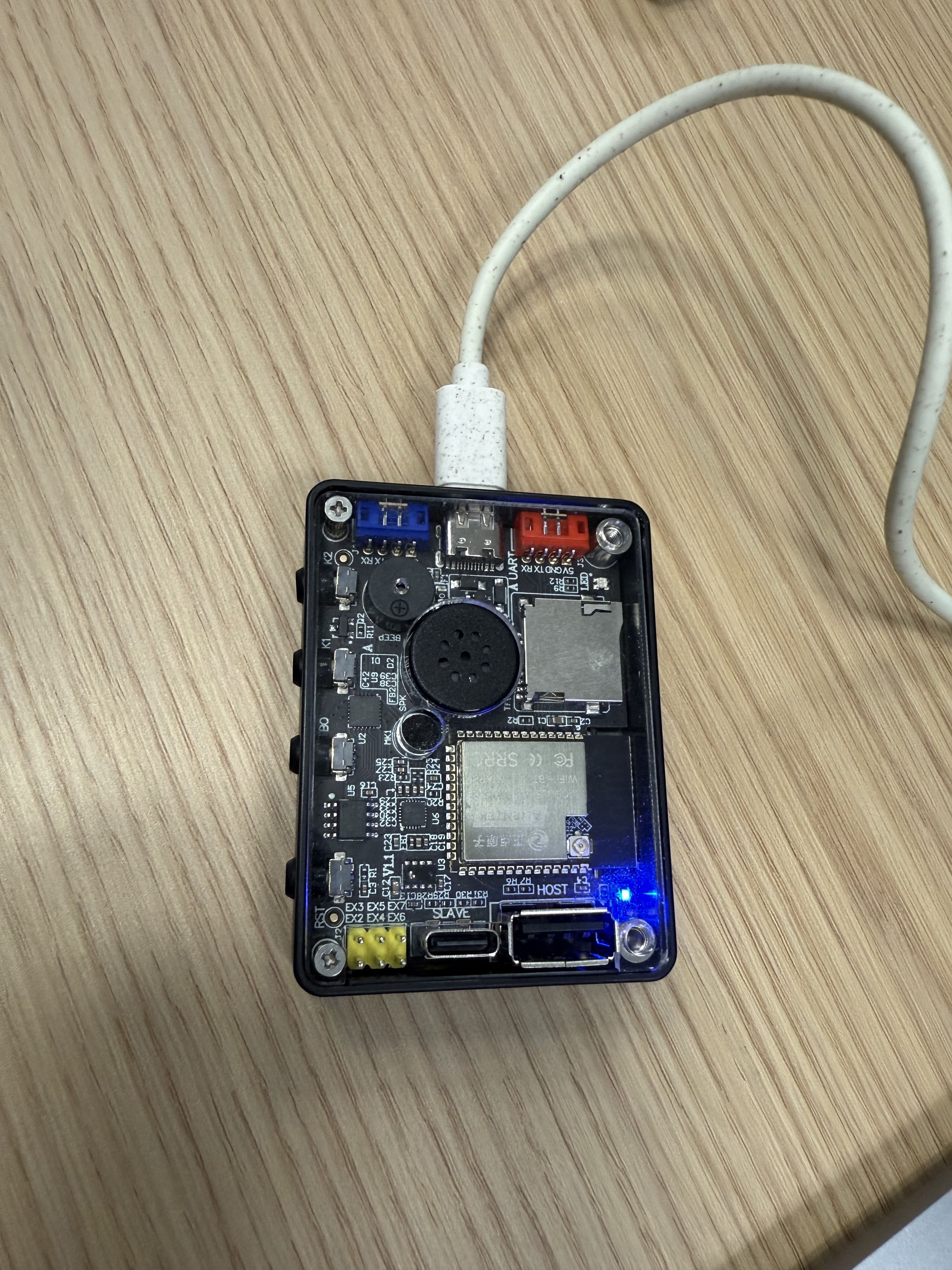
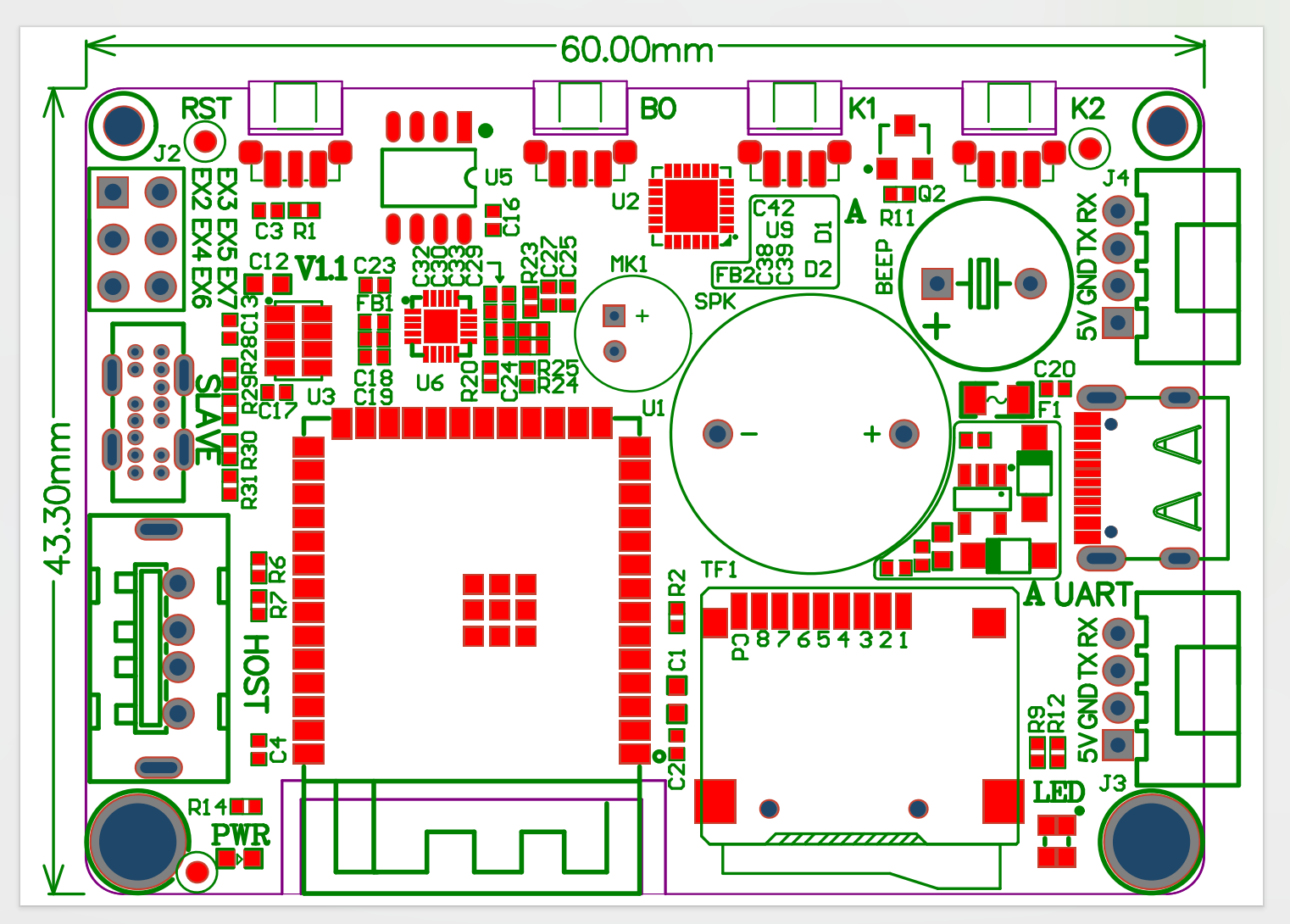
I had EchoKit—my open-source voice AI device sitting on my desk. It can hear me, think, and respond. But it couldn't control my code editor.
I needed a bridge.
That bridge is called echokit_pty.
What is echokit_pty? It's the web version of Claude Code, but with a superpower: a WebSocket interface.
See, Claude Code was designed as a CLI tool. You run it in your terminal, type commands, get responses. That's great for terminal workflows. But for voice control? For remote access? For building anything on top of Claude Code?
You need something more.
echokit_pty is that "more."
How echokit_pty Changed Everything
Here's what echokit_pty does: it takes Claude Code and exposes it through a WebSocket server. Suddenly, Claude Code isn't just a terminal app—it's a service that anything can talk to.
My EchoKit device can send commands. A web app could send commands. A mobile app. A game controller. Anything that speaks WebSocket.
But here's the beautiful part: it's still Claude Code. All the capabilities, all the intelligence, everything that makes Claude Code amazing—just accessible through a clean, simple interface.
The Setup: Three Pieces, One Experience
Now my coding setup looks like this:
1. echokit_pty runs on my machine — Starts a WebSocket server (ws://localhost:3000/ws)
2. EchoKit Server connects to it — Handles speech recognition and text-to-speech
3. EchoKit Device sits on my desk — Listens for my voice, speaks back responses
My Voice: "Run the tests"
    ↓
EchoKit Device (hears me)
    ↓
EchoKit Server (transcribes speech)
    ↓
echokit_pty (WebSocket connection)
    ↓
Claude Code (executes the command)
    ↓
Tests run, results stream back
    ↓
EchoKit speaks: "142 tests passed, 3 failed"
All while I keep typing. No window switching. No flow breaking.
A Day in the Life
Let me show you what this actually feels like.
Morning: I sit down with coffee. "EchoKit, run the full test suite." I start reading emails while tests run in the background. Five minutes later: "Tests complete. Two failures in the auth module."
Afternoon: I'm stuck on a bug. "EchoKit, why is the login failing?" It explains the issue while I'm looking at the code. "Can you fix it?" "Done. Want me to run the tests?" "Yes."
Evening: I'm tired, don't want to type. "EchoKit, create a new feature branch called dark-mode." "Deploy staging." "Check if the build passed." Each command happens while I'm leaning back in my chair.
It feels like having a coding companion. Not a tool—a teammate.
Why This Matters
I know what you're thinking: Voice control for coding? Sounds weird. And doesn't Claude Code have Remote Control now?
You're right—it is weird at first. But here's the thing: Claude Code's Remote Control is great for mobile access, but EchoKit isn't your phone. It's a dedicated device that sits on your desk. Always on. Always listening. No unlocking, no apps, no picking it up.
Here's what I discovered:
It's not about voice typing. I'm not dictating code. That would be terrible.
It's about having a physical device. Think of it like a smart speaker for coding. It just sits there, ready to help. No screens to tap, no apps to open, no phone to find.
The magic is the always-there presence. The device lives on my desk. It's part of my workspace. I don't need to grab anything or unlock anything. I just speak.
It keeps me in the flow. That's the biggest one. I can stay focused on coding while EchoKit handles tasks in the background. It's like having a second pair of hands.
The Tech Behind the Magic
If you're curious how echokit_pty works technically, here's the short version:
PTY stands for "pseudo-terminal"—a Unix concept that lets a program control a terminal as if a user were typing. echokit_pty uses this to create a bridge between:
- WebSocket clients → send JSON commands
- Claude Code CLI → executes the commands
- Response streaming → sends results back
It's built with Rust, runs locally, and is completely open source. No cloud required. Your code never leaves your machine.
But here's what I care about: it just works.
What You Can Do
So what does this actually look like in practice?
"Create a web page for me" → Claude Code generates the HTML, EchoKit confirms when done
"Run the tests" → Tests execute, EchoKit tells me the results
"Explain this error" → Claude Code analyzes, EchoKit reads the explanation
"Deploy to staging" → Deployment triggers, EchoKit confirms when complete
"Create a new branch" → Git command executes, no typing required
I can speak from across the room. Keep my hands on the keyboard while EchoKit works in the background. Get voice feedback without breaking my flow.
Building Your Own
This is the part I'm most excited about: everything here is open source.
- EchoKit — Open hardware, Rust firmware, fully customizable
- echokit_pty — Open source WebSocket interface for Claude Code
- EchoKit Server — Rust-based voice AI server
You can build this yourself. Or modify it. Or extend it.
Want to add custom voice commands? Go ahead. Want to integrate with other tools? echokit_pty makes it possible. Want to build a completely different interface? The WebSocket is waiting.
The Future
This experiment showed me something: AI coding assistants can take many forms beyond screens and apps.
Claude Code's Remote Control solved mobile access. But what about specialized hardware? What about completely hands-free experiences? What about devices that do one thing perfectly?
echokit_pty is the bridge that makes these experiments possible. And EchoKit is just one example.
Imagine what else we could build:
- Voice-controlled development environments
- Specialized devices for specific workflows
- Educational tools that feel like magic
- Assistive technology for developers with disabilities
All built on top of echokit_pty's open WebSocket interface.
Try It Yourself
Ready to turn your AI assistant into a physical device?
Full Documentation: Remote Control Claude Code with Your Voice
EchoKit Hardware:
- EchoKit Box — Pre-assembled device
- EchoKit DIY Kit — Build it yourself
echokit_pty Repository: github.com/second-state/echokit_pty
Join the Community: EchoKit Discord
Build something cool. Then tell me about it.
PS: The first time I heard EchoKit say "Tests passed" while I was making coffee? That's when I knew this wasn't just a cool experiment. This was how I wanted to work from now on.
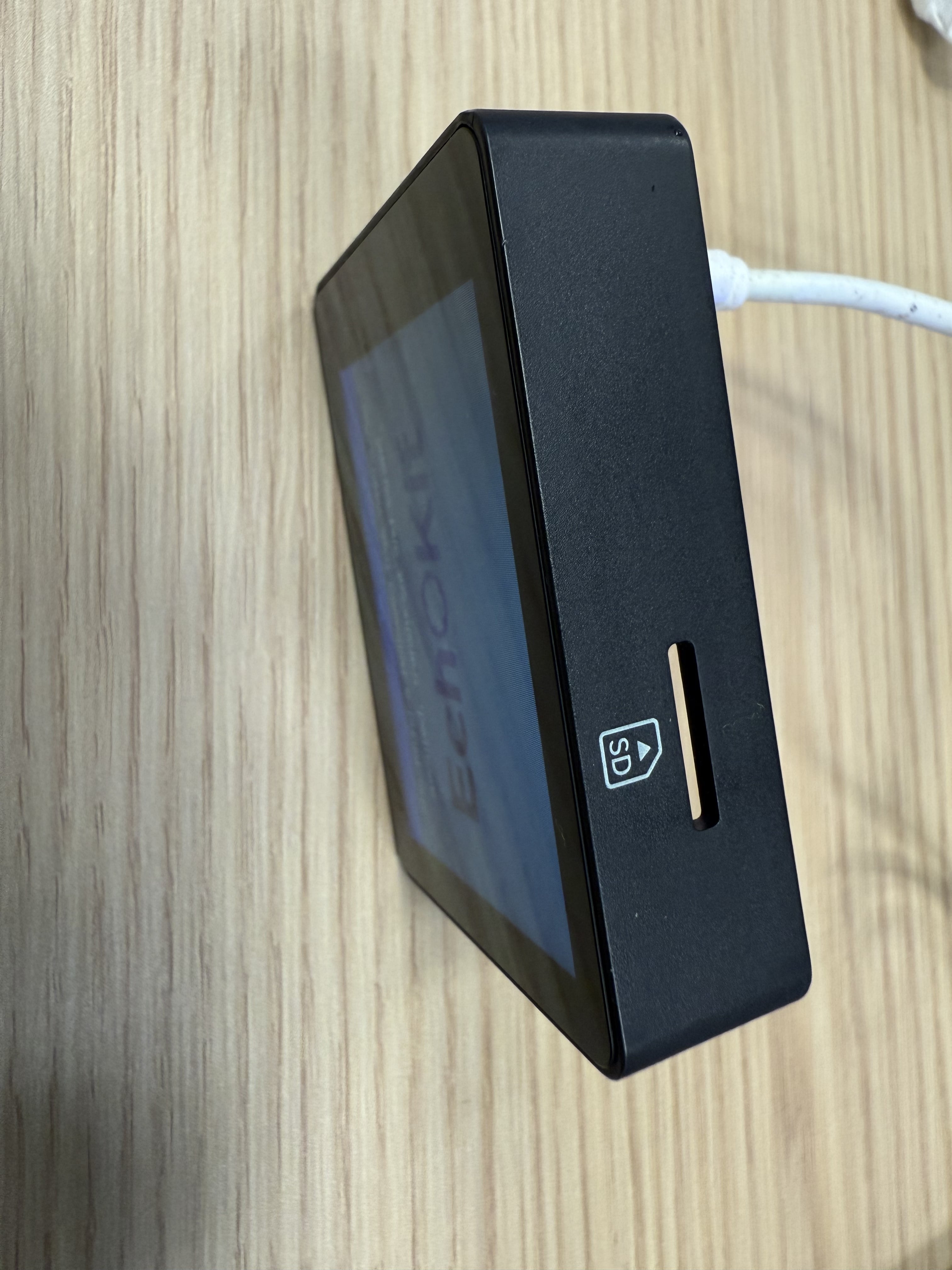
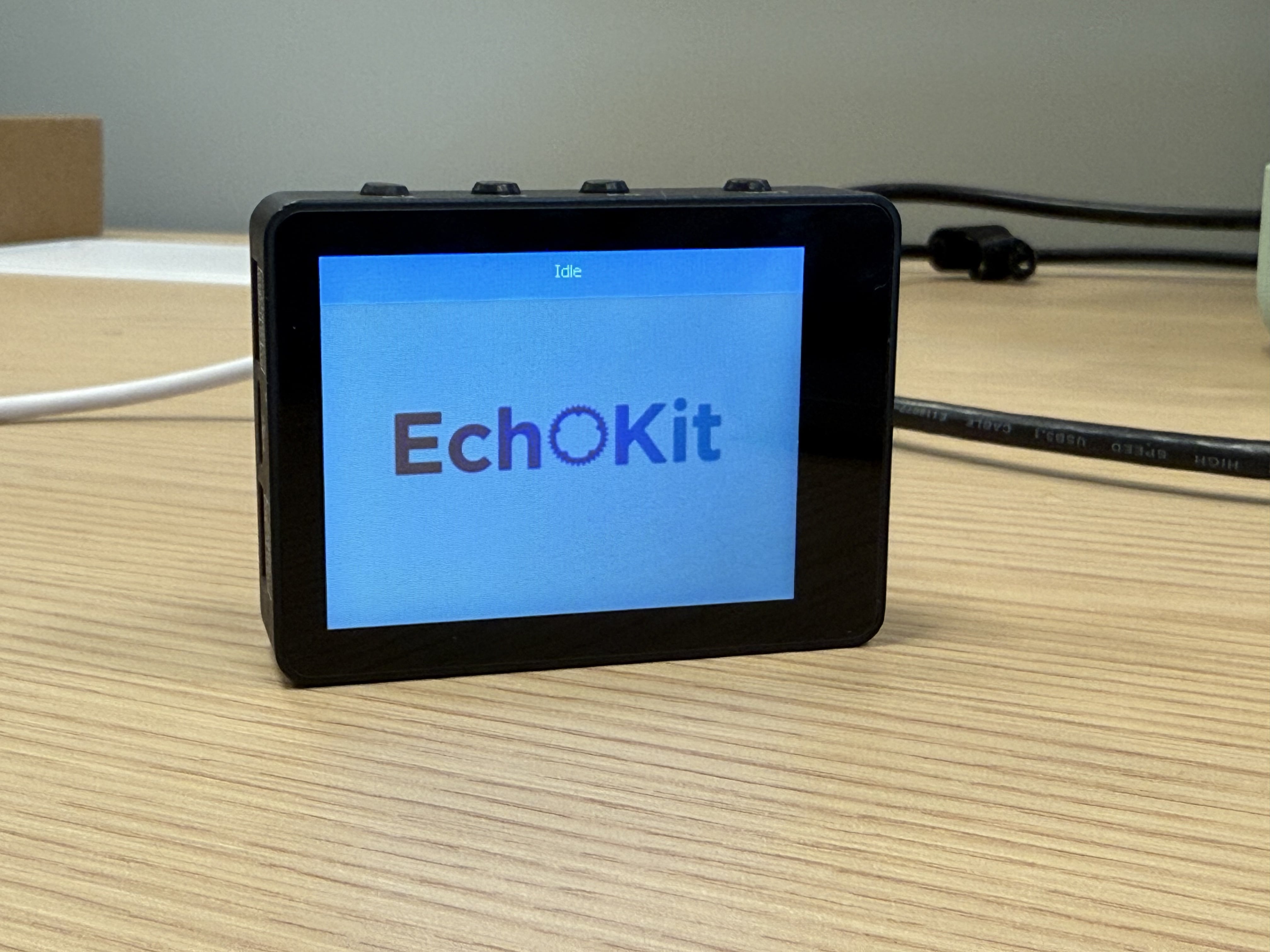 The entire front of the device is a high-contrast 2.4-inch OLED display, perfect for: